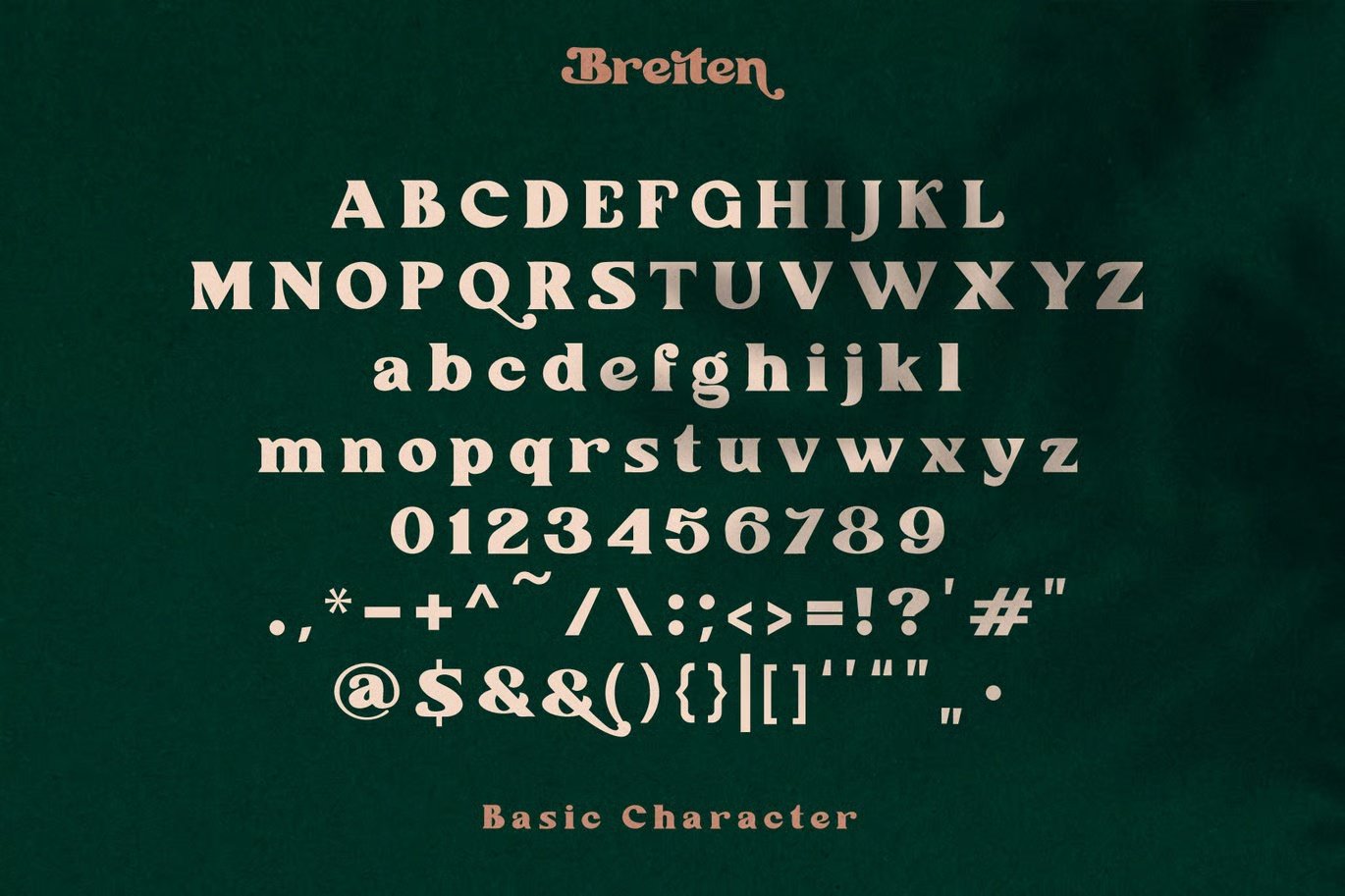
Breiten Display Font This all caps font is suitable for posters, magazines, apparels, movie headlines, packaging and more.
So what’s included? You will get :
- Whittaker Font in both OTF and TTF files.
- Unzip the folder containing the fonts first. Fonts cannot be installed if they are zipped.
- Right click on the font file and select Install.
OR
- Search for Fonts in the search box by the start menu.
- Click on the Fonts (Control Panel) link to open the Fonts Manager
- Drag and Drop or Copy and Paste the unzipped fonts into the Fonts Manager to install.
MAC
- Double click a font you’ve downloaded in your Finder — this will prompt a new preview window to open.
- Click “Install font.”
















Reviews
There are no reviews yet.